
Congratulations on finishing all the tutorials about posing every part of the body! In fact, you don't need to make most poses by starting from scratch. We have already created hundreds of preset poses organized into 11 categories for you. You can truly speed up your posing or get more inspiration with our huge curated pose library!
Open the preset poses library
Body presets
- Tap anywhere on the character that does not have the blue control points to select the whole character.
- Tap the "Preset" button
 in the action menu. You should see the Body Presets menu show up.

Hand presets
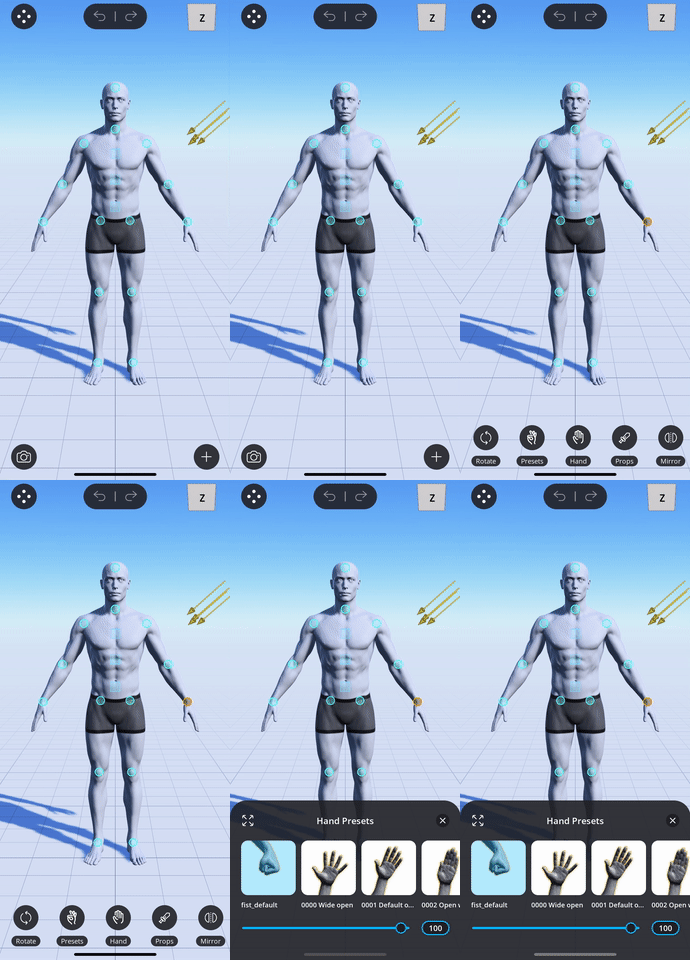
- Tap on the wrist control point.
- Tap the "Preset" button
 in the action menu. You should see the Hand Presets menu show up.
Foot presets
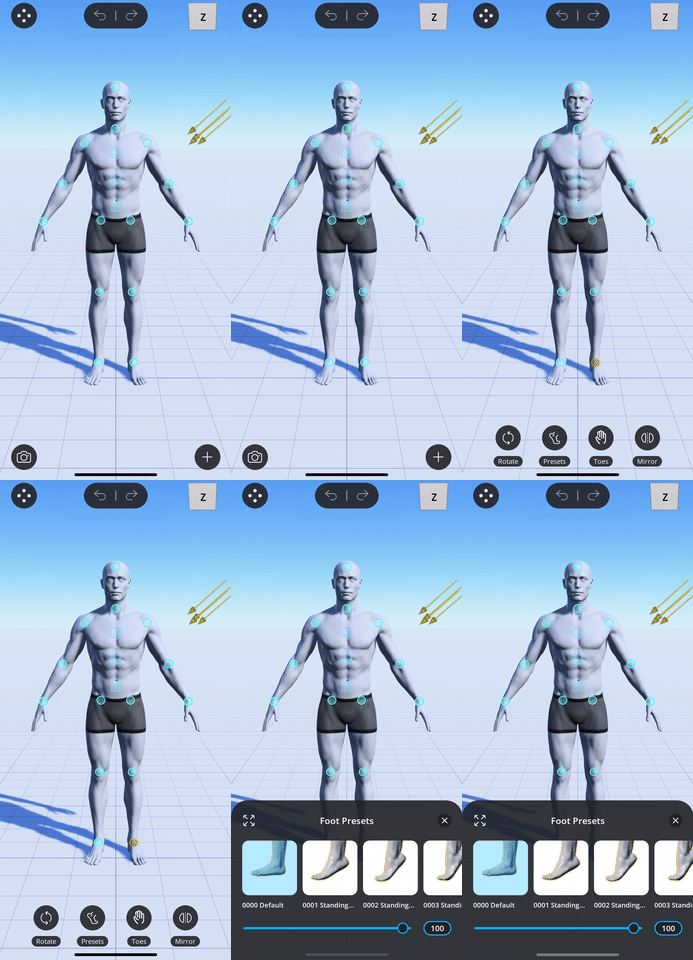
- Tap on the ankle control point.
- Tap the "Preset" button
 in the action menu. You should see the Foot Presets menu show up.
Browse preset poses by category
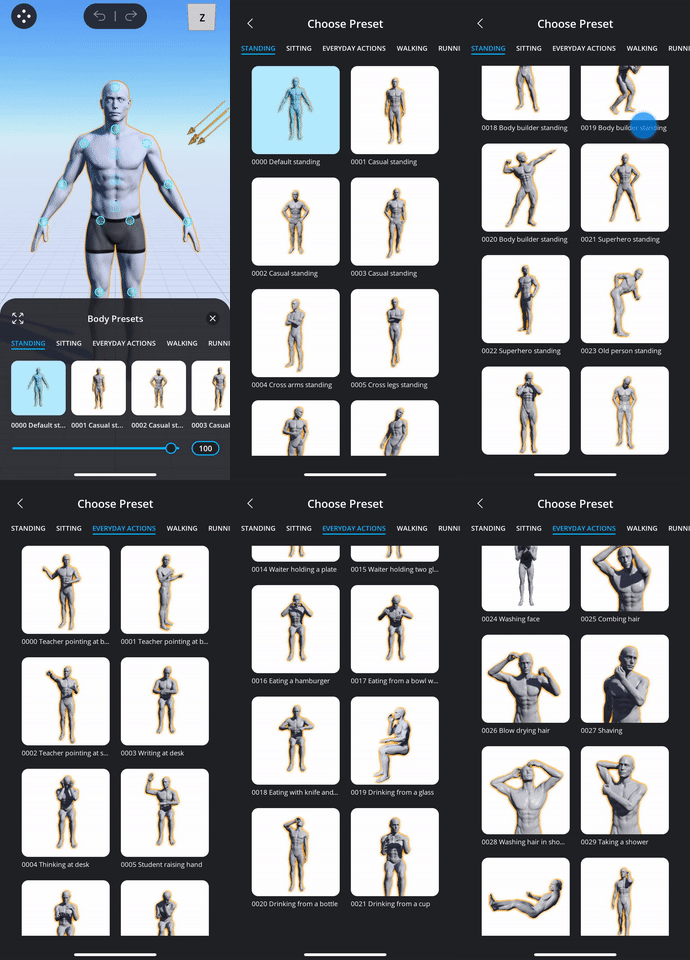
You can view all poses in a category by tapping on the categories bar at the top.

Use full page mode
Full page mode allows you to browse through many poses more easily. To enter full page mode, tap on the "Full Page" button  in the top left corner of the preset poses menu.
Apply preset poses
You can apply preset poses by simply tapping on the thumbnail of the pose:
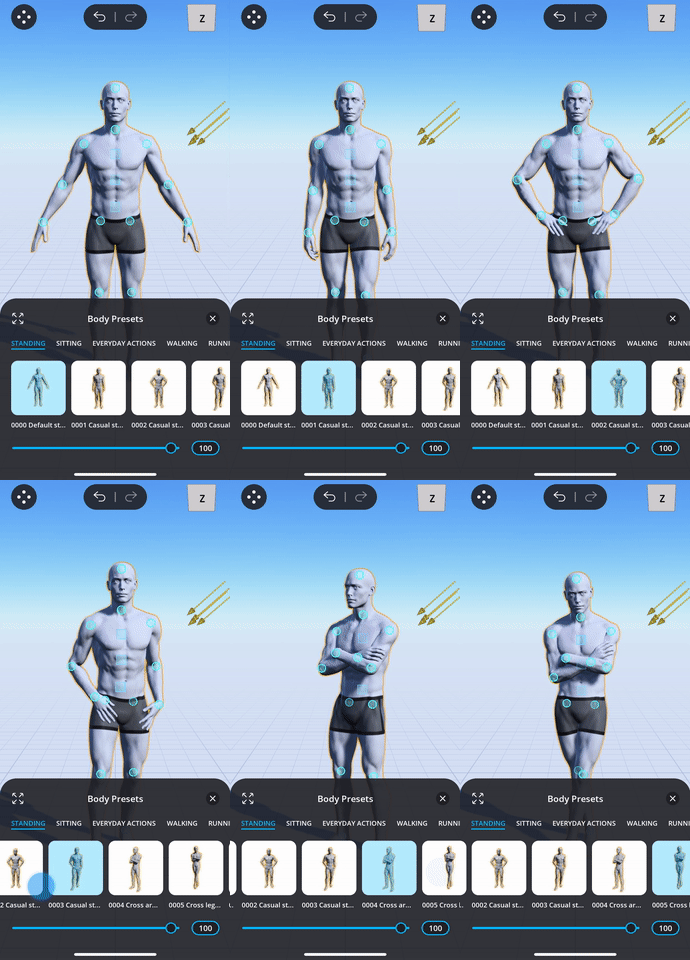
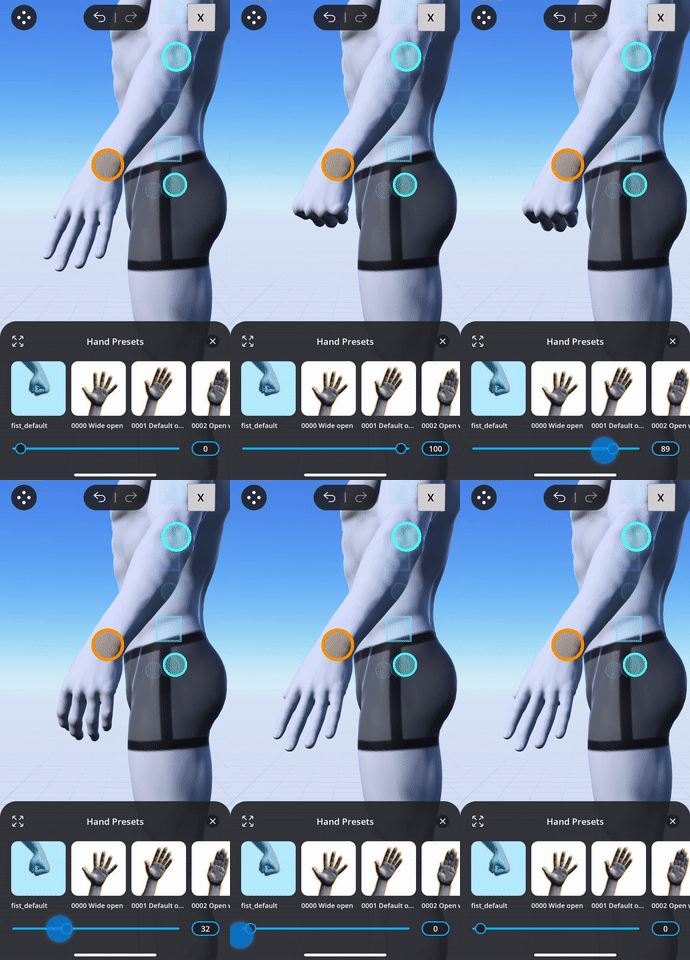
You can even adjust by how much you want the pose to change towards the chosen preset pose by dragging on the slider at the bottom of the menu. For example, you can adjust how much you want a closed fist when applying the fist preset:
Comments
0 comments
Please sign in to leave a comment.