
Every time you open Magic Poser, you will start from the My Files page. This is where you can view and manage all your scene files, whether they are saved locally or backed up to the Cloud. (To learn about other pages in the app, check out this tutorial.)
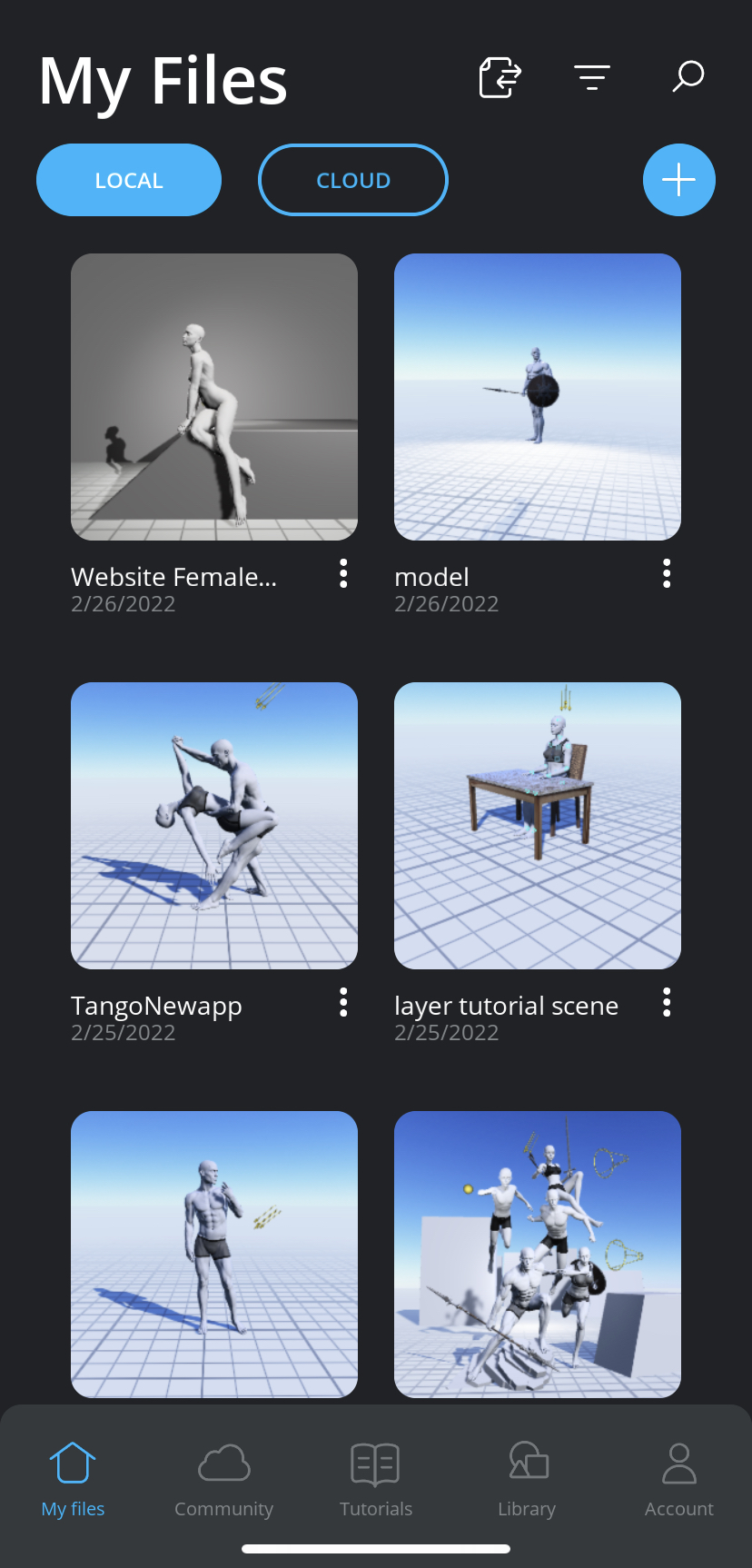
Here are the different things you can manage from My Files page:
- Search & Sort your Local and Cloud scene files.
- Manage your Local scene files.
- Manage your Cloud scene files.
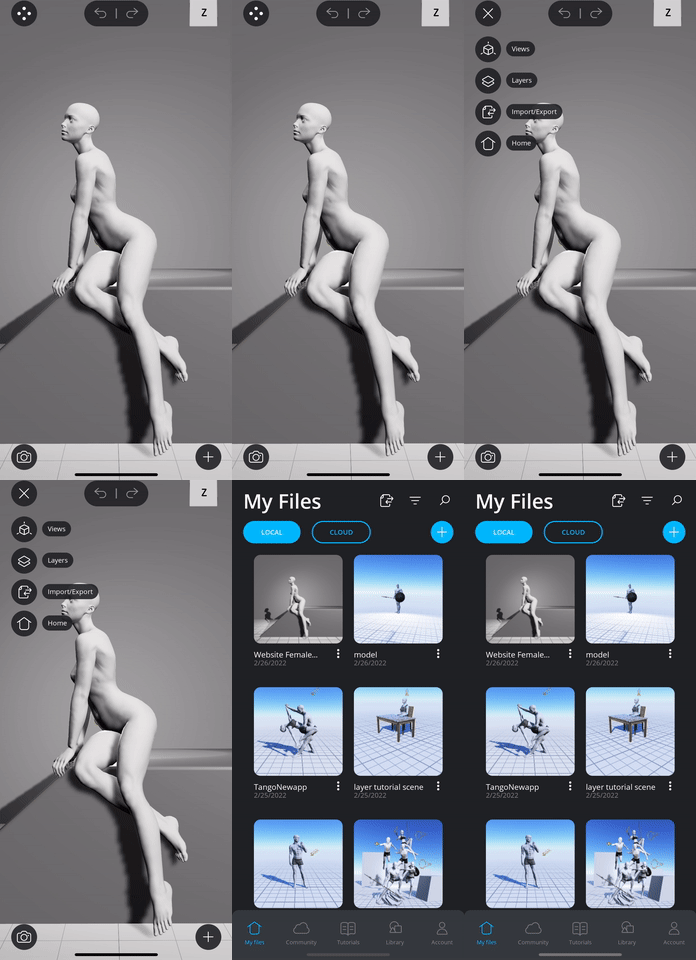
Whenever you are working on any scene file in the 3D Editor, you can get back to the My Files page anytime by tapping the Main Menu button  in the top-left corner of your scene, followed by the Home button
  . Since we autosave all your edits, you do not need to worry about saving your scene before going back to the My Files page!
Let's learn how to easily search and sort through all your scene files in the next tutorial.
Comments
0 comments
Please sign in to leave a comment.